


Blog

.png&w=1920&q=75)
Korcomptenz provides managed support services to keep your Dynamics 365 environment stable, optimized, and continuously improving. Backed by defined SLAs, we cover support, maintenance, enhancements, custom development, training, and project oversight. Our experts span both functional and technical areas across ERP and CRM. Choose flexible Silver, Gold, or Platinum plans for transparent coverage, high availability, and options that scale as your needs evolve.
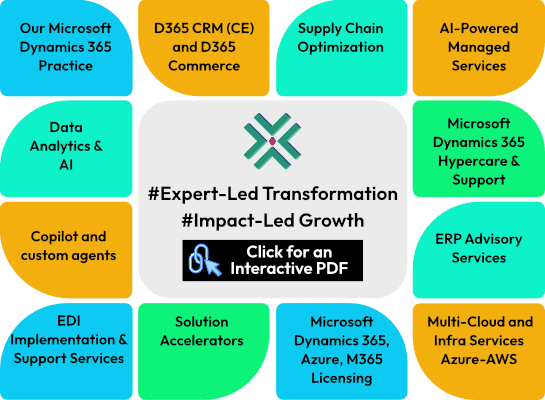

We deliver Dynamics 365 managed services to maximize your technology investment. Our dedicated experts diagnose, evaluate, and optimize your ERP environment while handling end-to-end support. From implementation rescue and upgrades to integrations, new feature guidance, and ongoing maintenance, Korcomptenz provides tailored assistance whenever you need it.
Our Microsoft Dynamics 365 ERP Support Services encompass:
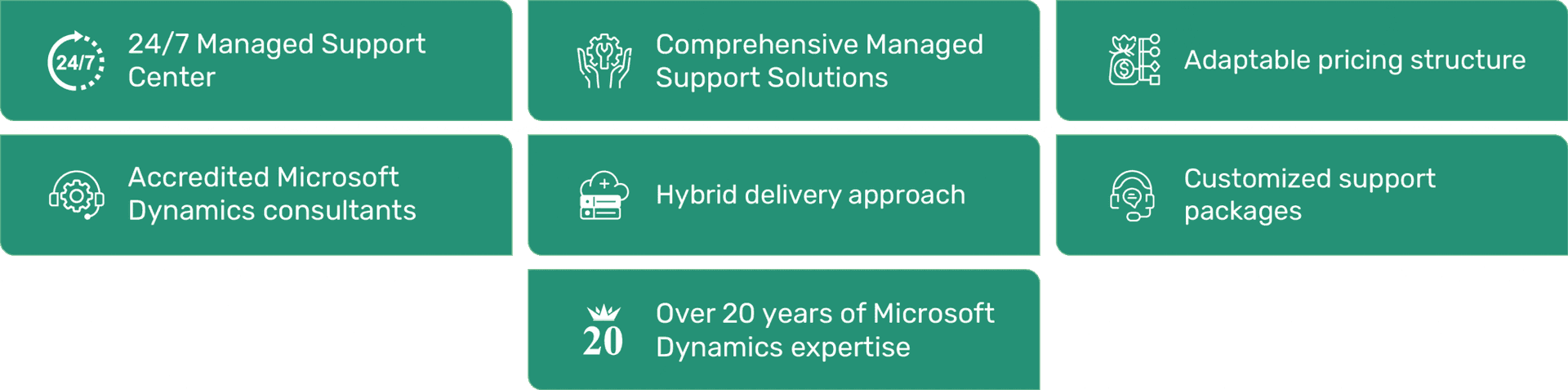
This plan encompasses comprehensive management of your Microsoft Dynamics 365 ERP ecosystem and associated technologies, including but not limited to Power Apps, Power BI, as well as SQL Server.
| Service | Silver | Gold | Platinum |
|---|---|---|---|
Helpdesk Access | Yes | Yes | Yes |
Release Management and Code Review | 2/Month | 4/month | unlimited |
LCS, DevOps & Code Management | Yes | Yes | Yes |
Management Reporter | Yes | Yes | Yes |
User Management and Administration | Yes | Yes | Yes |
Application Updates (Cloud only)***** | Yes | Yes | Yes |
Advisory Hours (Solution Architect) | Advisory Hours (Solution Architect) | Add-on | Yes |
Security Review | Yearly | Yearly | Yearly |
Unused Hours Carry Over*** | No | Yes | Yes |
Account Manager**** | Shared | Yes | Yes |
D365 On-Premises Instance Support | Add-on | Yes | Yes |
Helpdesk Admin Access | Add-on | Yes (1 User) | Yes (1 User) |
Enhancements (up to 40 hours)** | Add-on | Add-on | Yes |
Power BI Support (up to 40 hours)** | Add-on | Add-on | Yes |
Power Platform Support (up to 40 hours)** | Add-on | Add-on | Yes |
Note
*Admin user access is available for purchase at an additional cost.
** Enhancements, Power BI Developments, and Power Platform initiatives in Silver & Gold tiers are treated as separate projects (Change Requests) and cannot be included in the support package.
*** The Platinum Package allows for the carryover of unused hours to the following month, which must be utilized within 2 quarters. The Gold Package permits the carryover of unused hours to the next month, to be consumed within a quarter.
**** Dedicated Account Manager service is exclusive to Gold & Platinum packages.
***** On-premise instance support is provided solely in Gold and Platinum packages
A clean transition and visible stability gains: environment health checks, SLA/SLO baselines, a prioritized incident/problem backlog, release calendars, runbooks, and observability dashboards. Expect quick wins such as ticket automation, license rationalization, and environment right-sizing that start funding further improvements.
We combine ITIL (L1–L3) with DevOps/SRE. Release trains, change windows, and impact analysis protect uptime, while test automation (e.g., RSAT for F&SCM) and blue/green or ringed rollouts keep enhancements flowing without surprises.
We track MTTR, change failure rate, deployment frequency, and user satisfaction (CSAT/ESAT). More importantly, we tie run performance to finance-owned KPIs—faster close, order cycle time, OTIF, DSO/DPO—so value is proven, not presumed.
Automate high-volume tickets and shift-left to self-service; rationalize ISVs/customizations; optimize licenses; right-size cloud resources with FinOps discipline. Savings are reinvested into performance tuning, UX fixes, and revenue-adjacent enhancements.
We operate update rings (sandbox → pilot → production), run regression suites, and use feature management toggles with blackout periods for peak business cycles. For Copilot/AI, we start with controlled pilots, role-based guardrails, and KPI gates before scaling.
Least-privilege access via Microsoft Entra ID, periodic entitlement reviews, SoD controls for Finance & Operations, encrypted backups with tested RPO/RTO, and audit-ready logs. Policy-as-code guardrails keep approvals fast and environments compliant.
API/EDI monitoring with alerting and retry queues; governed Dataflows/Fabric/Power BI with a semantic layer; data-quality scorecards on masters/transactions; and clear contracts for D365 CE/BC/F&SCM, 3PL, commerce, and field integrations.
Structured knowledge transfer (architecture maps, runbooks), shadow → reverse-shadow transitions, and a co-managed Center of Excellence. We upskill super-users, hand over telemetry, and keep the backlog in your tooling—so capability stays with you, not just your partner.


